iPhone MDM Bypass: what it is and when you need it
What MDM bypass actually clears
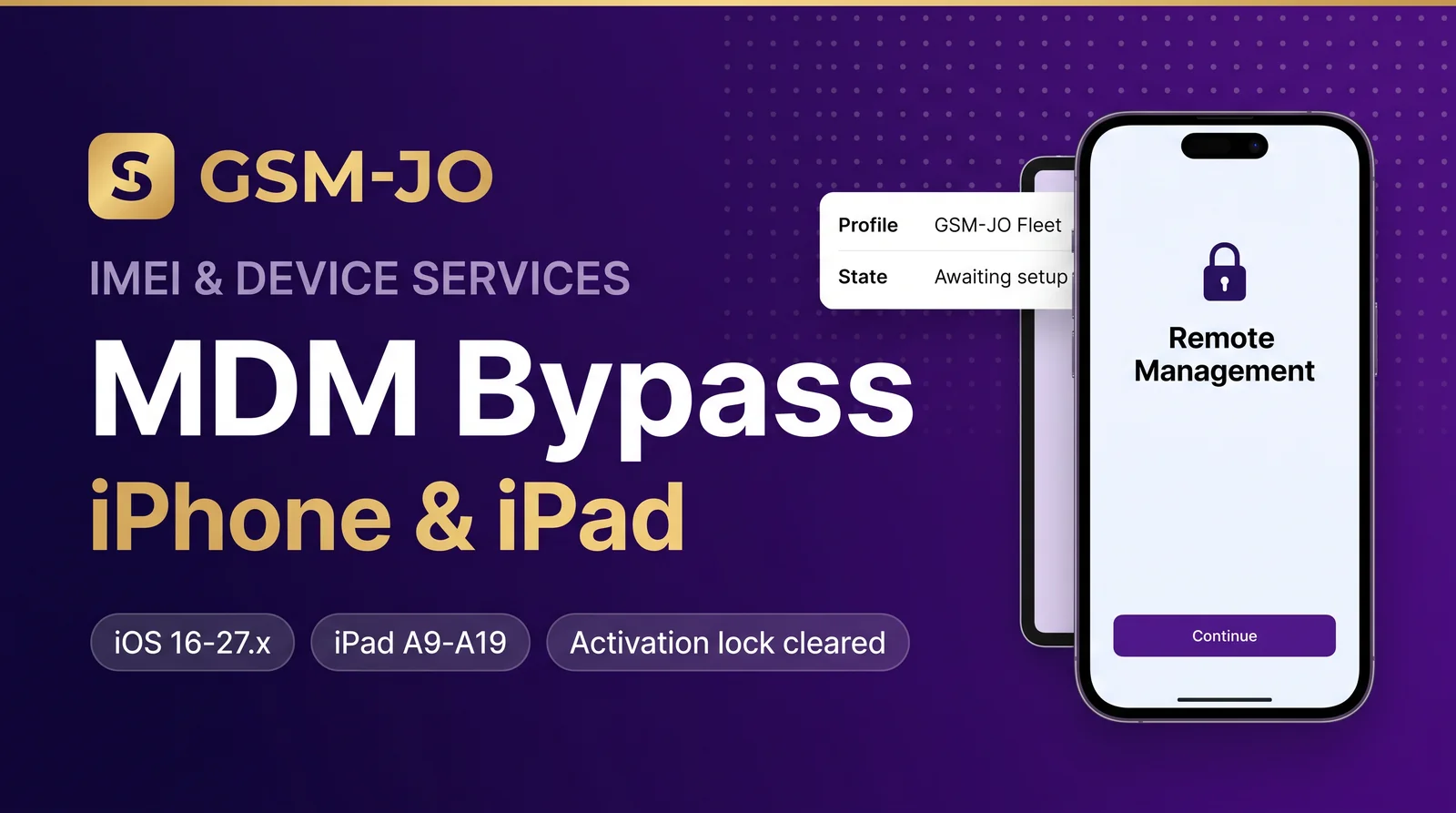
An iPhone or iPad that came from a fleet, school or reseller often arrives with Mobile Device Management still attached. The device boots, asks for a management profile and refuses to finish setup. An MDM bypass removes that management lock so the device reaches a normal home screen.
When an MDM bypass order is the right choice
- The activation screen shows a management or remote-management message.
- The iPad is stuck on an activation lock screen and the seller cannot supply the profile.
- The device belongs to a refurbisher who needs the unit clean before resale.
What GSM-JO offers
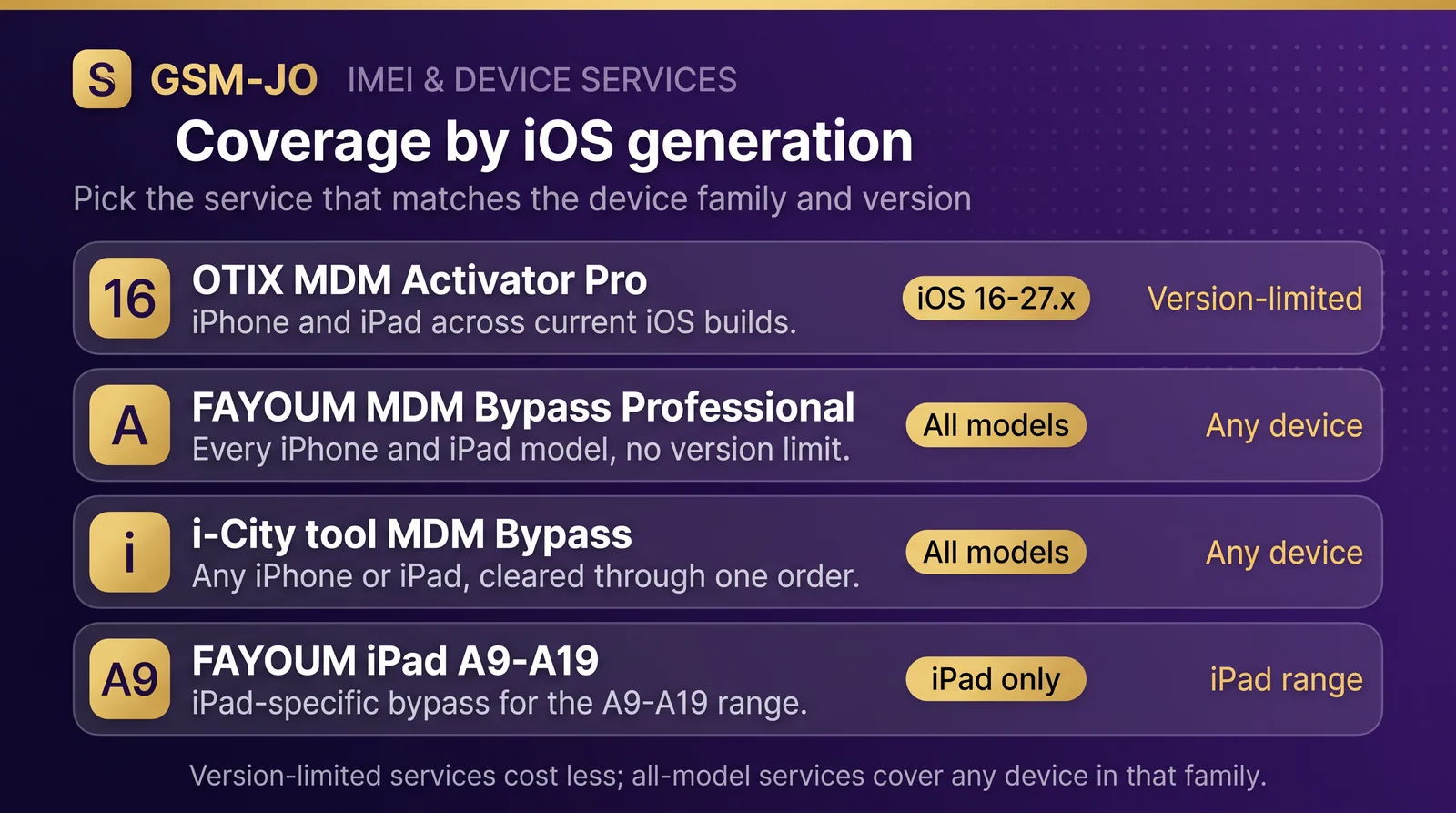
Our IMEI catalogue lists MDM bypass services per tool and per iOS generation — for example the OTIX MDM Activator Pro service covers iPhone and iPad on iOS 16 through 27.x, while the FAYOUM MDM Bypass Professional and i-City tool MDM Bypass services cover all iPhone/iPad models. iPad-only bypass services such as the FAYOUM A9–A19 tool are listed separately.
How to order
Open the IMEI services page, choose the service that matches your device family and iOS version, then place the order with the device identifier. Fulfilment is API-driven, so the order moves automatically once the provider returns a result — no manual handling step is needed.
Check the service description before ordering: the tool, the iOS range and the device family decide which service fits. A service marked “all models” is safe for any device in that family; a version-limited service is the cheaper option when the device sits inside its range.