Automating orders with the GSM-JO REST API
A headless API for your own systems
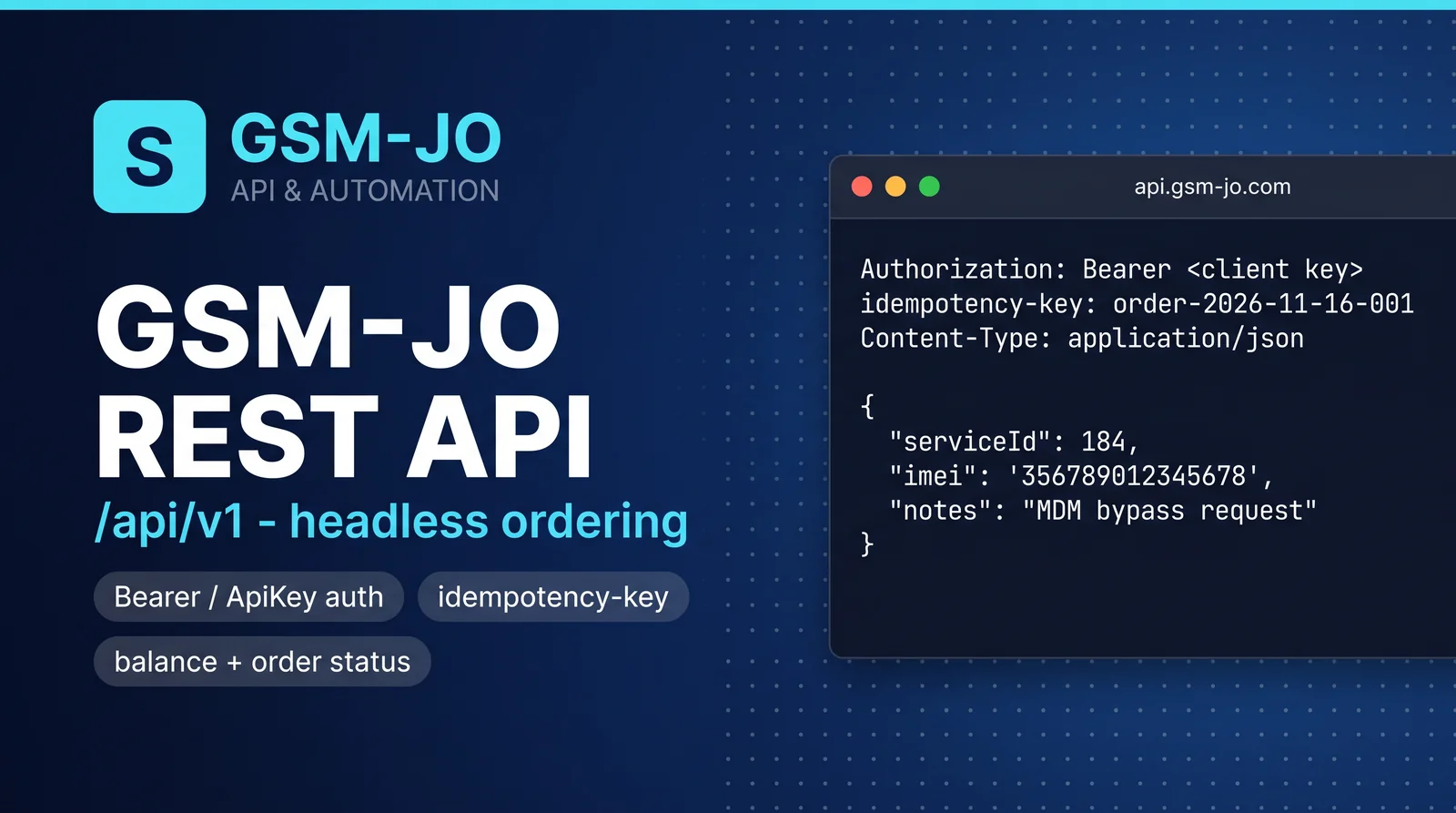
The API service exposes a REST surface at /api/v1 so you can list services, place orders, track their status and read balances from your own tooling — no browser needed.
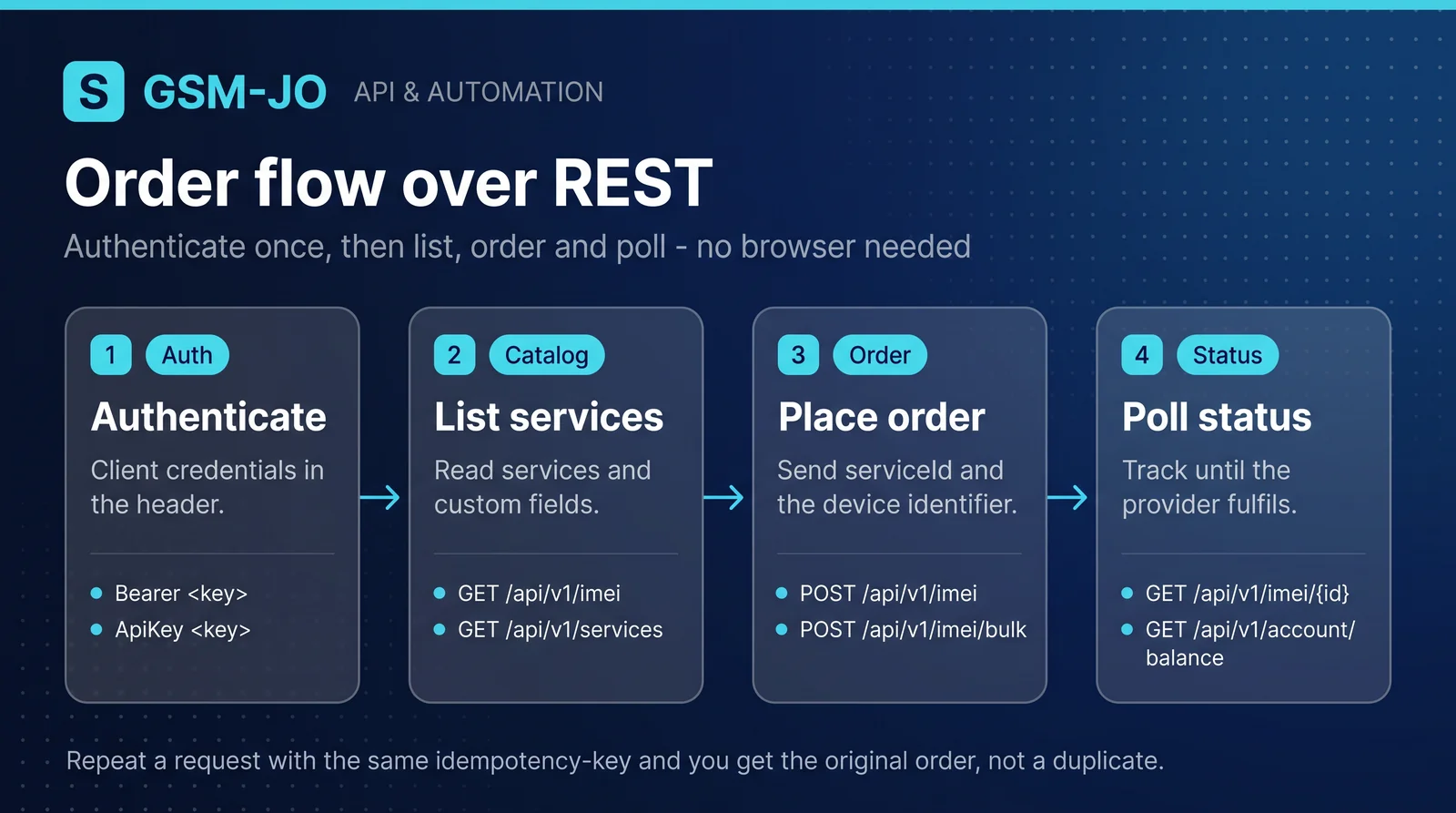
Authentication
Send your client credentials in the Authorization header. The API accepts Bearer <key> and ApiKey <key> forms. Orders require client authentication; server API keys cannot impersonate clients.
Key endpoints
GET /api/v1/services— list services and products.GET /api/v1/imei— list IMEI services, with custom-field definitions.POST /api/v1/imei— place an IMEI order (serviceId,imei, optionalcustomFieldsandnotes).GET /api/v1/imei/{id}— read a single order’s status.GET /api/v1/account/balance— read available, reserved and used balance.POST /api/v1/imei/bulk— place several orders at once.
Idempotency
Order endpoints honour an idempotency-key header. Sending the same key for a retry returns the original order instead of creating a duplicate — important when your client retries on timeouts.
Custom fields
Some services need an extra identifier (for example a serial number instead of an IMEI). The IMEI listing exposes each service’s customFields definitions so you know exactly what to send when ordering.