iCloud checks and activation services on GSM-JO
Check first, unlock second
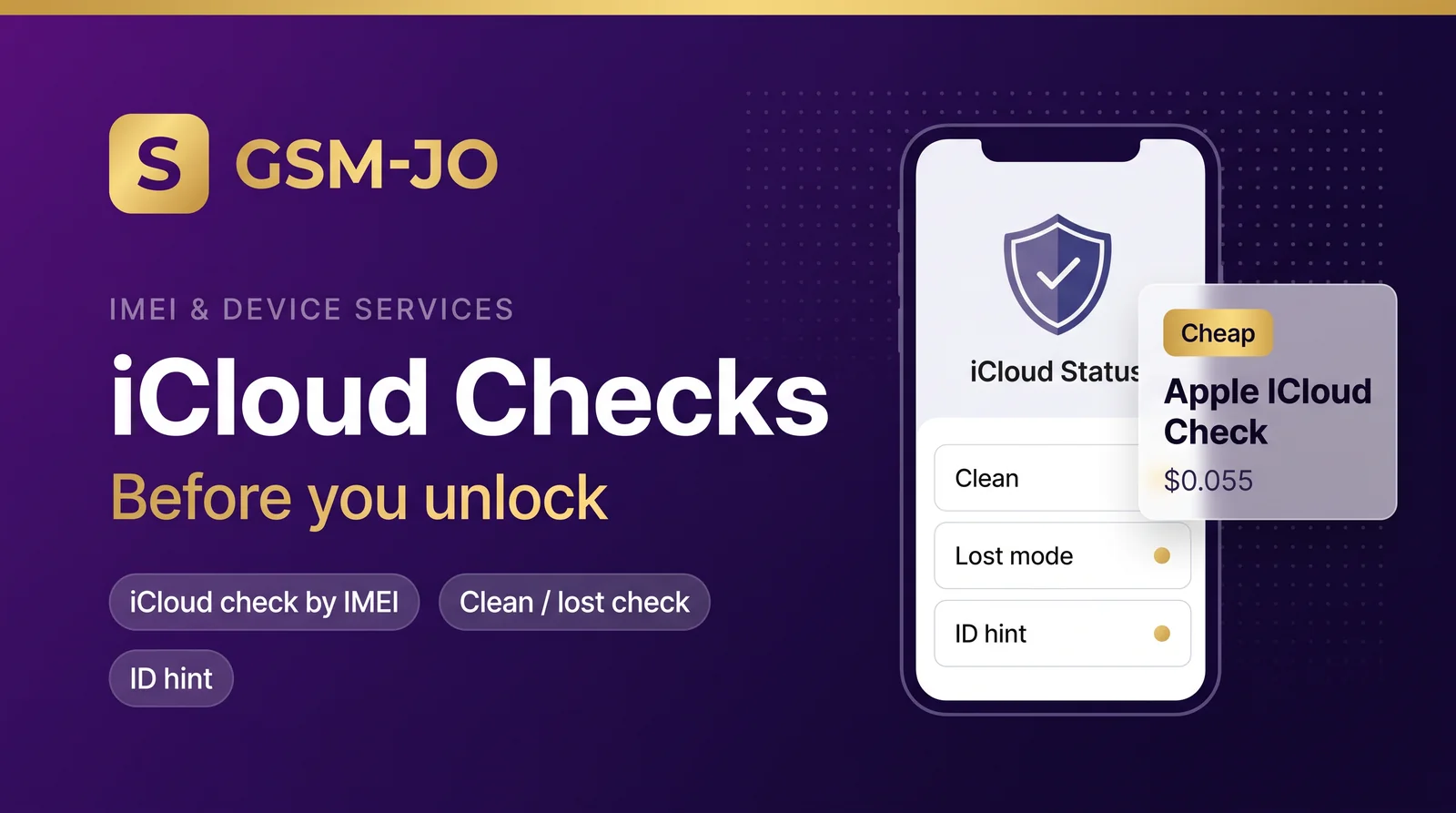
Every iCloud job on GSM-JO starts with a cheap check. Before you pay for an activation tool, confirm what the device actually needs. Two services cover that: Apple ICloud Check by IMEI at 0.055 USD and Apple ICloud Clean/Lost Check at 0.08 USD. The IMEI check tells you whether iCloud is present and what state the device is in. The clean/lost check goes further and separates a clean device from one flagged as lost.
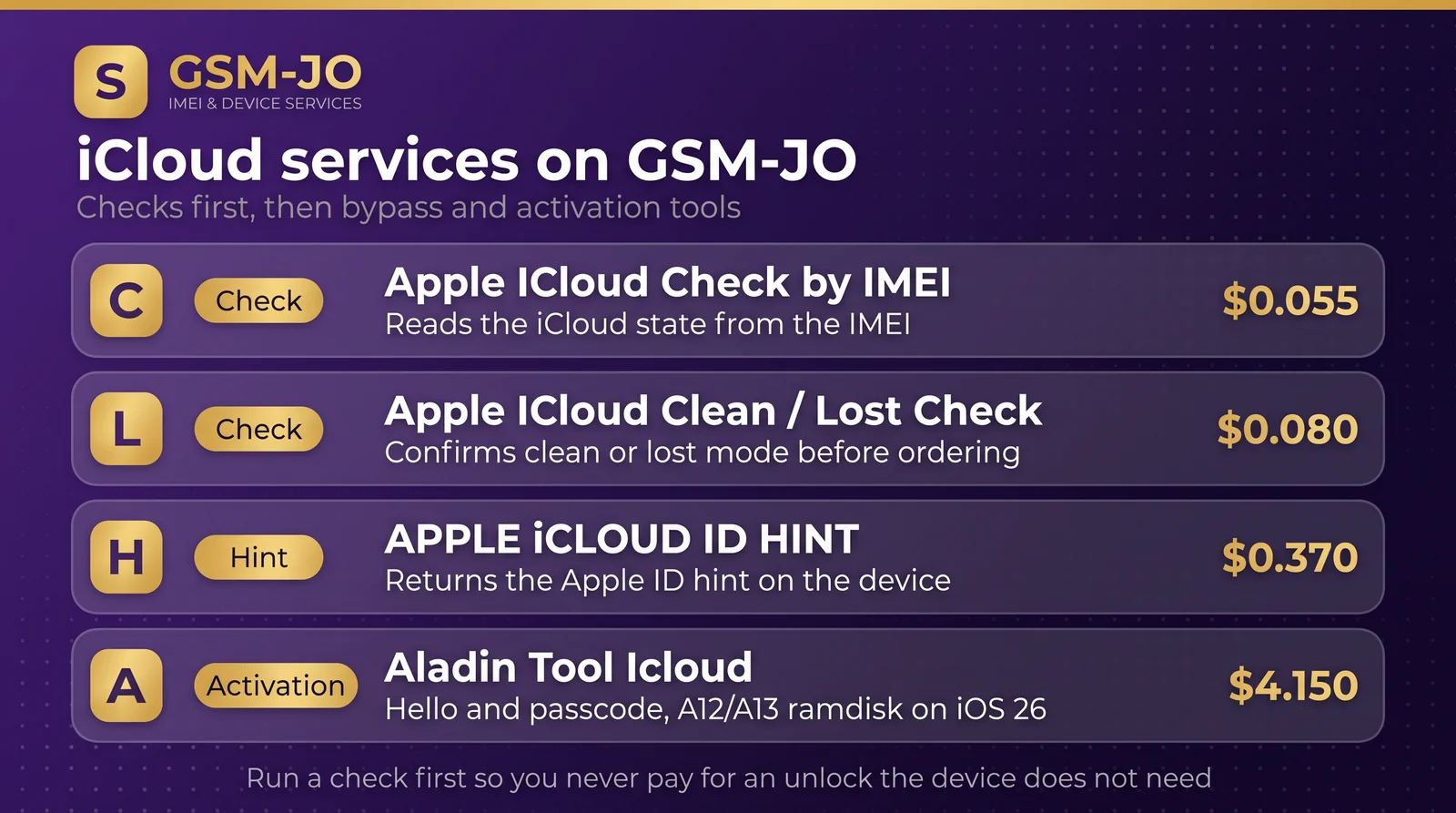
Running these first costs cents. Running an unlock on a device that does not need one costs dollars. That is the whole reason the workflow exists.
The status bundle
When you need the bigger picture, use APPLE CARRIER + MDM & iCLOUD & GSX STATUS at 0.27 USD. One request returns carrier lock state, MDM enrollment, iCloud status, and GSX status together. This matters because hello-screen activation can fail for reasons that have nothing to do with iCloud. A carrier lock or an MDM profile changes which tool applies, so reading the bundle first saves you from buying the wrong activation service.
ID hint
If the device is iCloud-locked and you need to know which account owns it, APPLE iCLOUD ID HINT at 0.37 USD returns a hint for the account tied to the device. Use it when the customer cannot recall the Apple ID, or when you need to confirm ownership before quoting a job. It is a hint, not full credentials, so plan the unlock accordingly.
The activation tools
GSM-JO offers three activator tools (FRPFILE and Aladin) in the IMEI catalog:
- FRPFILE ACTIVATOR A12 + Bypass Hello Screen — 5.30 USD. Covers iPhone XR to iPhone 17 Pro Max and iPad A12+ to M3, works till iOS 26.1, and includes notification. It needs no iCloud service, so the hello screen bypass runs without an iCloud unlock.
- Aladin Tool Icloud (Hello + Passcode) — 4.15 USD. Handles hello screen and passcode on A12/A13 devices via ramdisk on iOS 26, with no hardware change.
- FRPFILE A5-A6 Activator No Need Ardunio — 3.59 USD. Covers the A5/A6 generation and needs no Arduino.
Pick FRPFILE A12+ when the device only shows the hello screen and you want a bypass without an iCloud service. Pick FRPFILE A5-A6 for the older A5/A6 generation without Arduino. Pick Aladin when you also face a passcode, and the device is A12/A13 on iOS 26.
Why the cheap check pays off
A 0.055 USD check against a 5.30 USD activation is a small price for certainty. If the check shows the device is clean, you may only need a status read. If it shows lost, you order the right tool once. Either way you avoid paying for an unlock the device does not need, and you avoid a second purchase after a failed attempt.
Practical order: IMEI check, clean/lost check, status bundle when carrier or MDM is unclear, ID hint when ownership is unclear, then the activation tool that matches the generation and iOS version.